The five questions I get on the road
The Airplane Answers
People often ask about the glasses or headset I'm wearing, how I use AI, and how I make my surgical videos. Here are the answers I usually give at meetings or while traveling. The setup itself, written for a colleague, is next door.
What do you actually do with the Vision Pro?
I use it to record open surgery and as an extra screen when I travel. In the operating room, it records from my point of view as I look into the surgical field. Robotic cases are recorded at the console; the headset is useful for open cases, where getting that view is harder.
You can find examples in my video library, including the open cases below. The uncut recording shows the procedure at its original pace.
Recorded on the headset
-
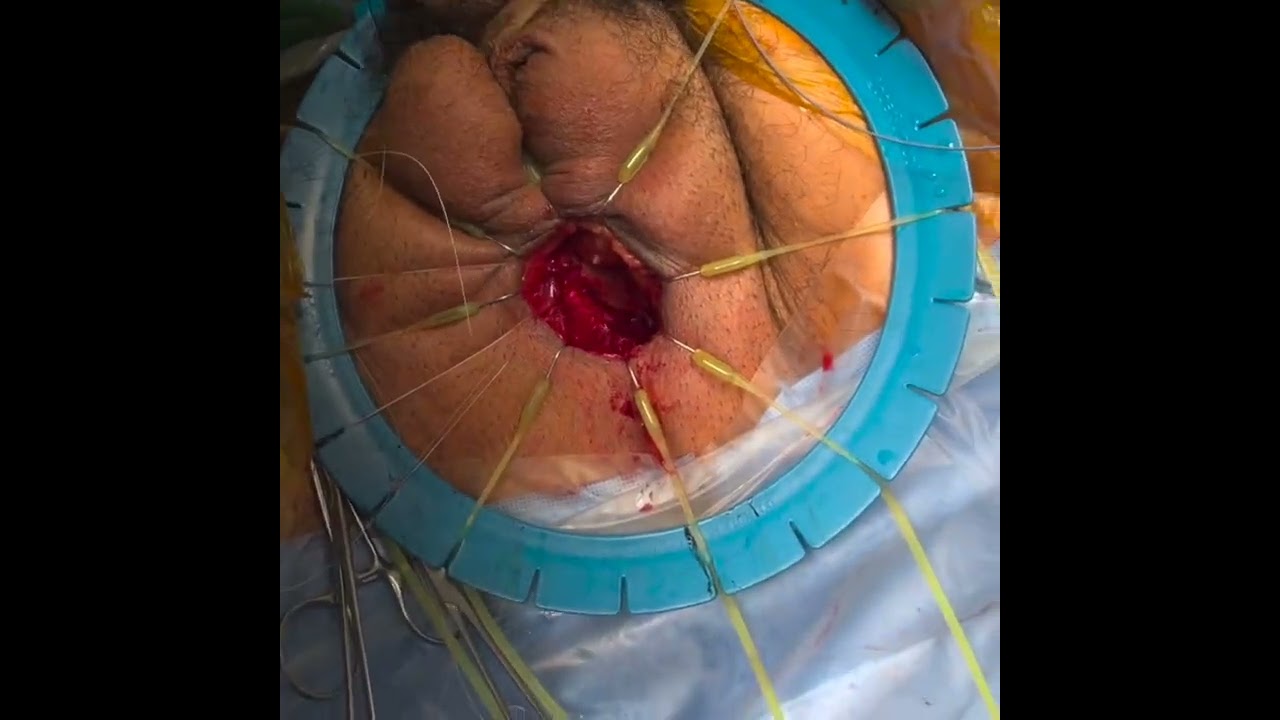 Dorsal onlay urethroplasty with buccal mucosa graft, uncut, 50 minutes
 -
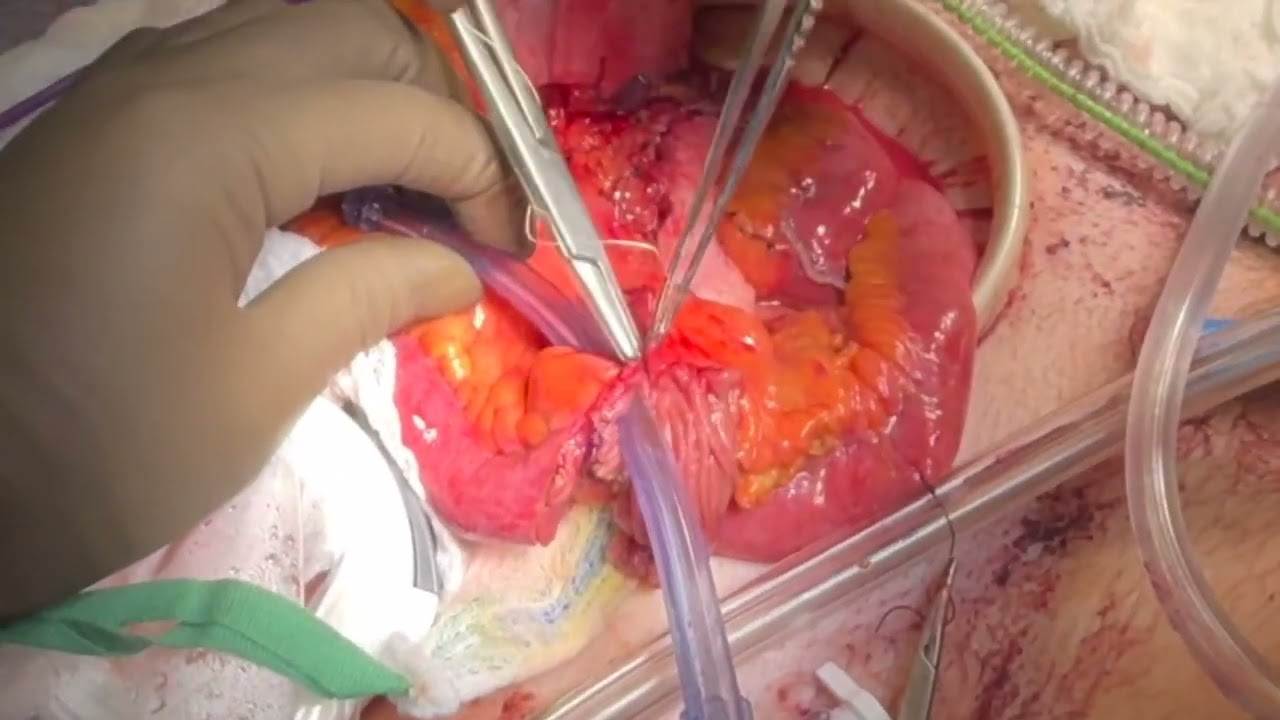 Monti flap construction
 -
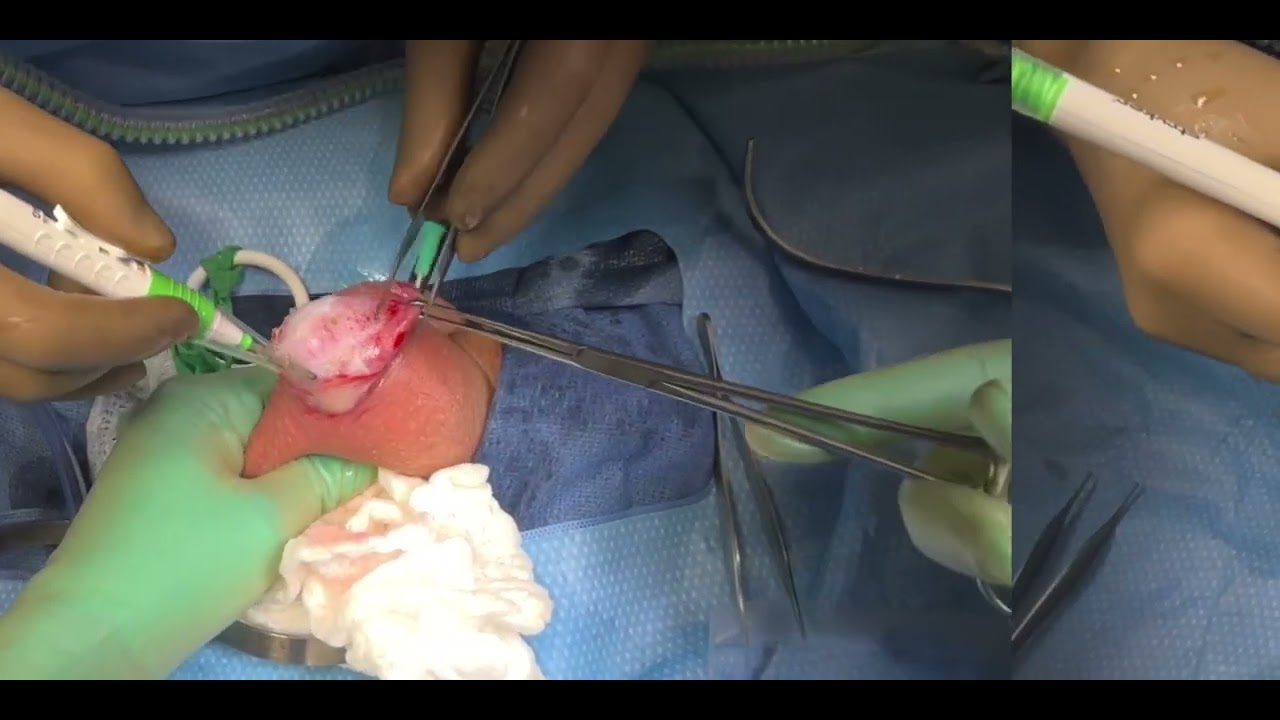 Hydrocelectomy
To find more, open video.leezhaomd.org and search for Vision Pro.
When I travel, I use it to extend my laptop display. That gives me room to work without packing another monitor, whether I'm on a plane or sitting in a meeting.
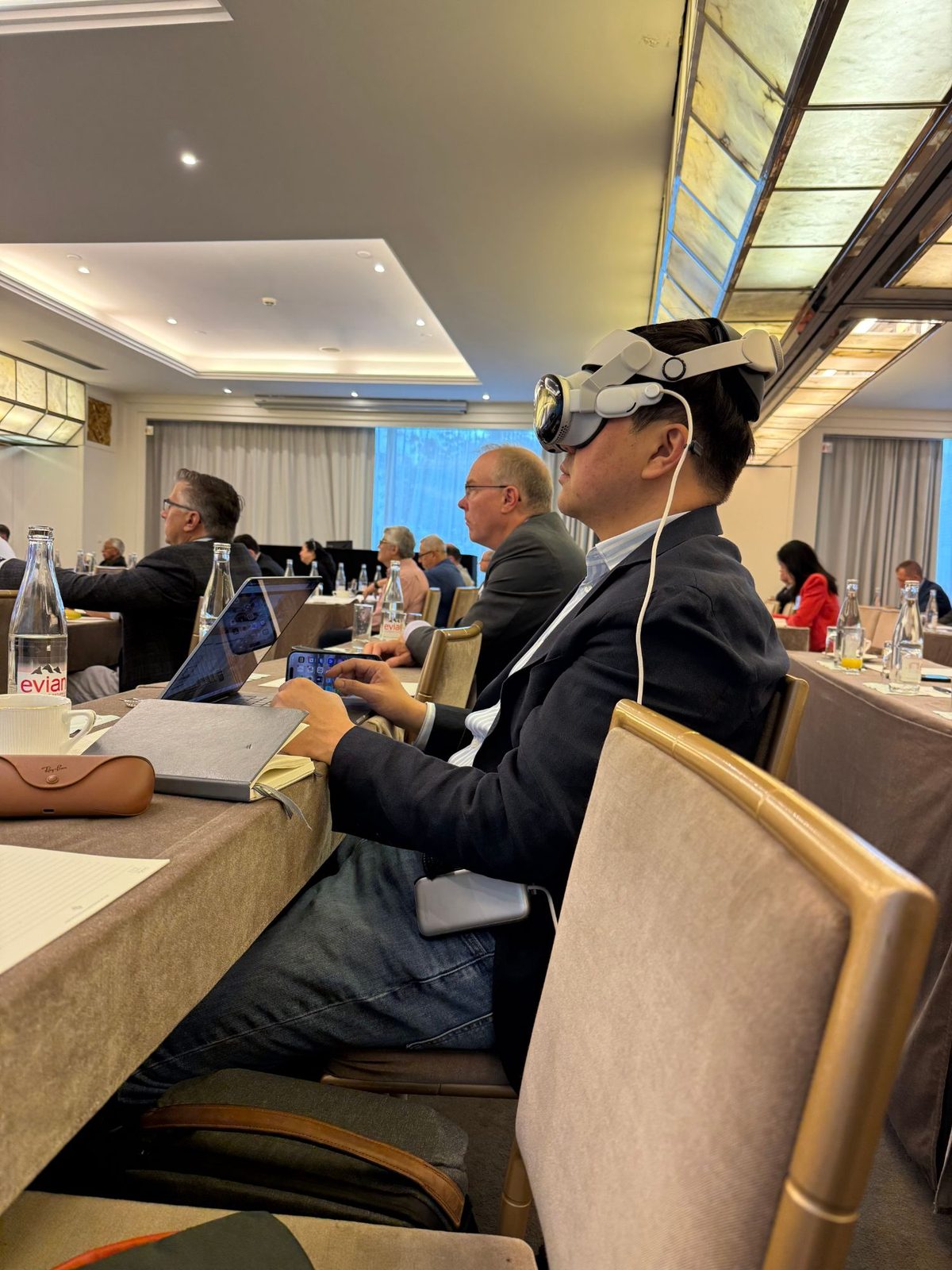
The files get large quickly, especially when I record a whole case. For a lecture, I usually need a short segment that shows a particular step. Most of the work comes afterward, when I go through the footage and choose what to keep.
Are those the Meta glasses?
Yes, they're Ray-Ban Meta Wayfarers. I bought them in Florence in June 2025 with Transitions lenses, so I can wear them indoors and outside. They have a camera in the temple, microphones, open-ear speakers, and Meta's assistant.
I use them most on runs. I can listen to audio without anything in my ears, and press the button on the temple to take a photo without reaching for my phone.

What are the glasses with the green display?
They're Even Realities G2 glasses. The frames look fairly ordinary, but there's a small green text display in the lenses. Its resolution is 640 by 350, with a field of view of about 27 degrees. I use it for short notes and answers while looking at what's in front of me.
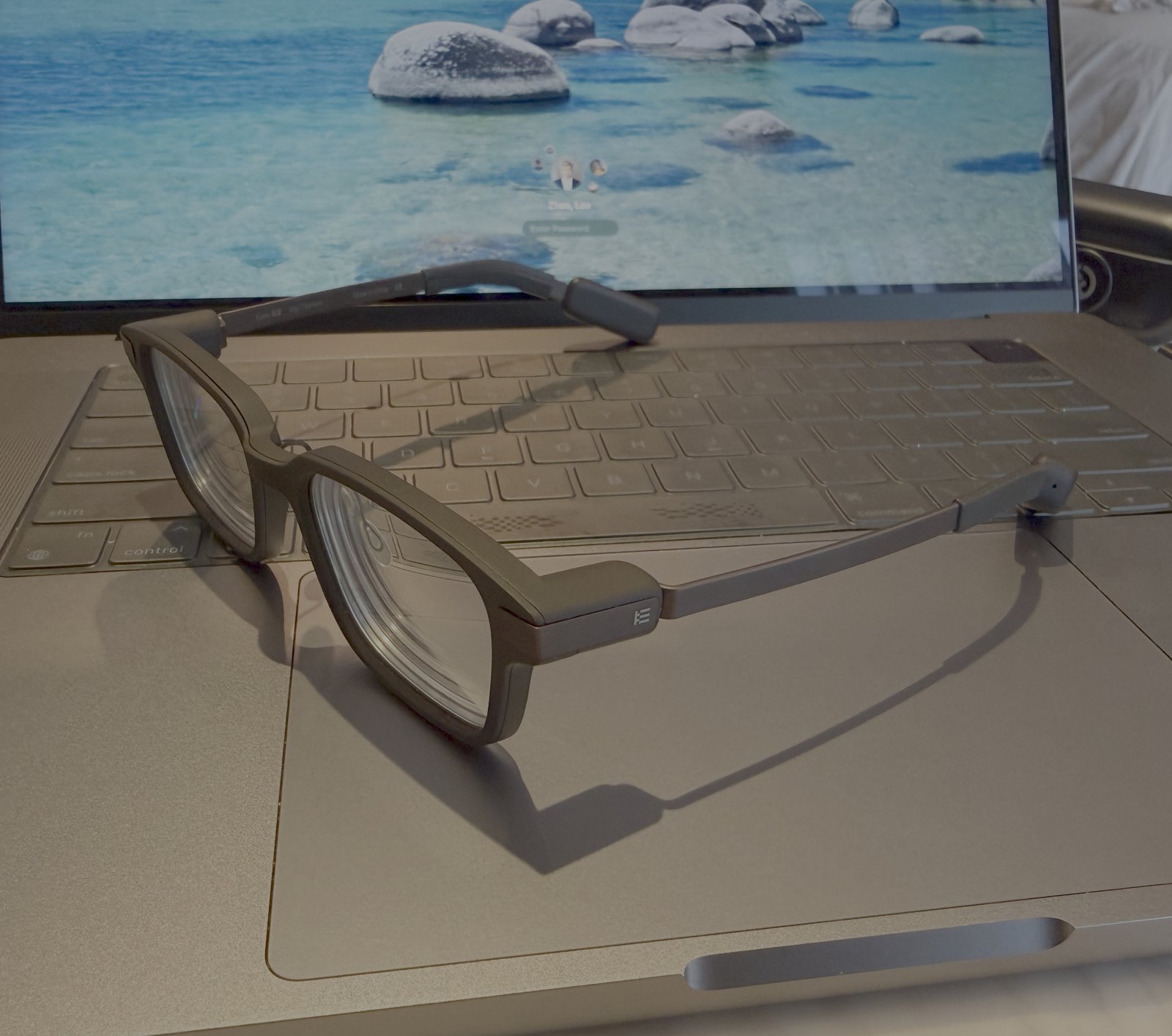
What it does
I can use them as a teleprompter, read a live transcript or translation, and see information from my phone. The text sits over my view, so I don't need to look down at a screen.
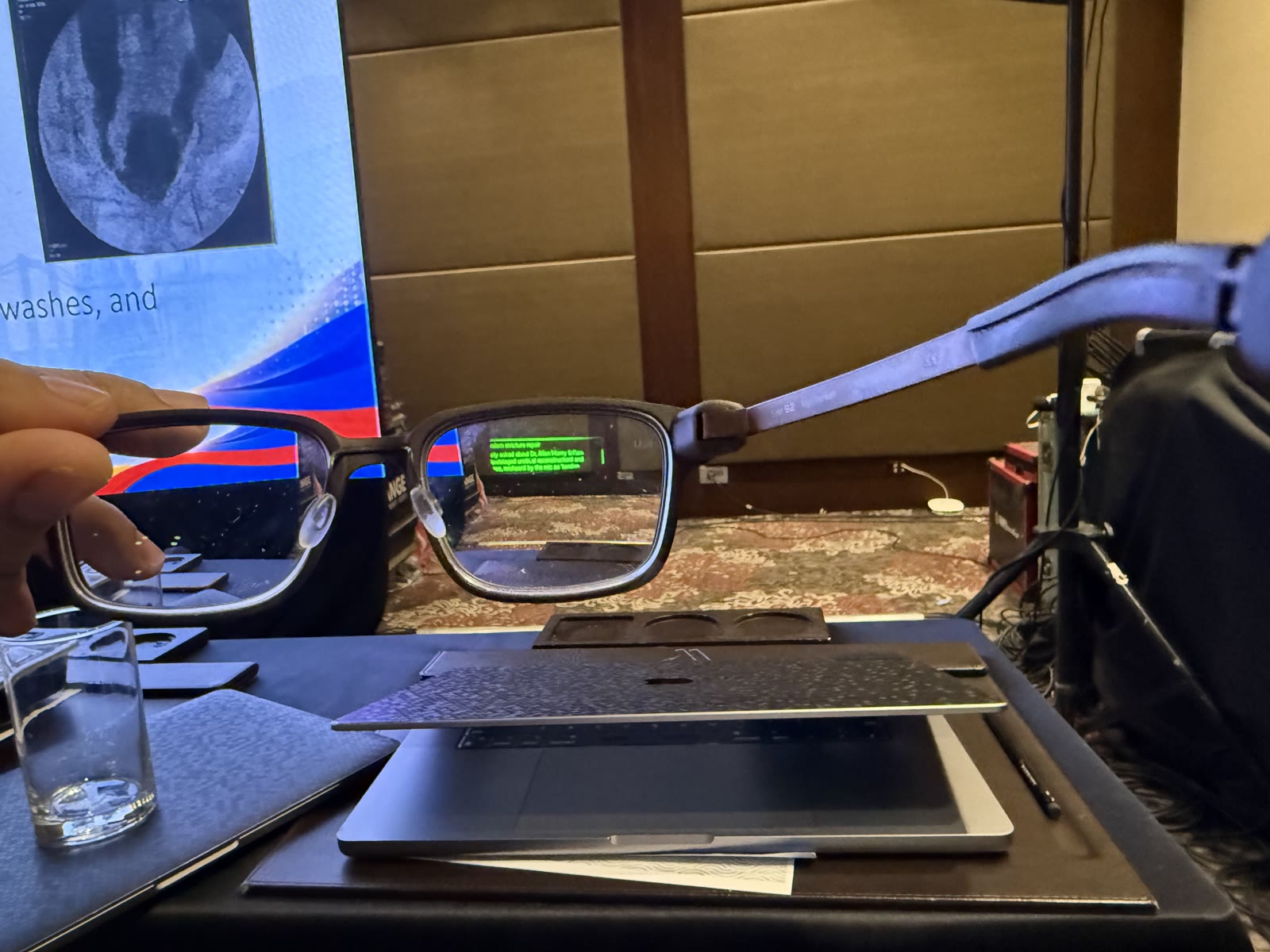
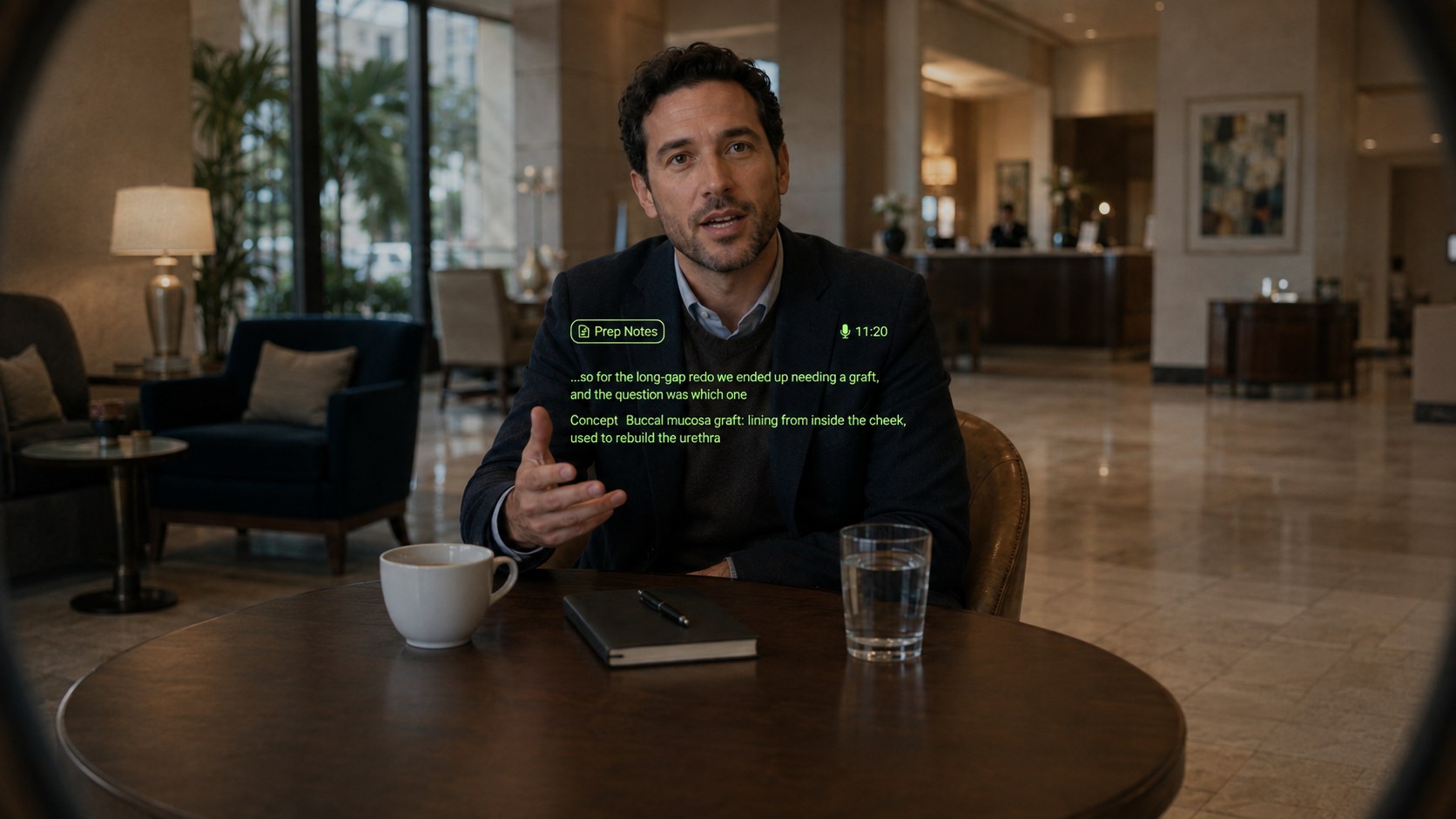
The R1 ring controls the display. I tap it with my thumb to select something and scroll to move through the text. I can do that with my hand down, without reaching up to the glasses.
In my setup, "Hey Even" connects to a small server on the Mac I keep running at home. I reach it through Tailscale and can switch between Gemini, ChatGPT, and Claude by changing a URL in the phone app. I usually use Gemini.
What I use most is note capture. If I start with "note" or "remember," the bridge saves what I say to my Obsidian inbox before asking an AI model for a response. That means the note is saved even if the model call fails. "Research" saves the question and a search-based answer with its sources. Longer requests can go to Claude and come back through Telegram. The Mac at home needs to stay awake for this to work.
What is your AI stack?
I keep my notes in Obsidian as Markdown files in a private Git repository. Wispr Flow handles short dictation, and I use a Plaud recorder for longer recordings. Different AI tools can work with the same notes.
I tend to use Claude for reading and writing, and Codex for code and technical tasks. Gemini and NotebookLM help me work through source material. Grok follows X, and I use ChatGPT for another opinion on drafts or decisions.
I still check the work. If I plan to use a citation, number, or clinical claim, I verify it against the source. AI is useful for getting a draft started, but I'm responsible for what's in it.
How do you edit your videos?
I've built up a large collection of surgical videos over the years. They're stored in several places, and many are full-length recordings. Finding the part I want to teach can take longer than editing it.
I use AI tools to help catalog the files, identify duplicates, and organize material for teaching. Robotic cases are recorded at the console, and I use the Vision Pro for open cases. When I make a lecture video, I go back through the recording and keep the parts that show the step I want to explain.
Watch the result
I share selected teaching videos on video.leezhaomd.org and the @lee_c_zhao YouTube channel. The open cases recorded on the Vision Pro are listed under the headset. A few robotic cases, recorded at the console: